
Qbox Framework for FiveM: Complete Setup & Configuration Guide

One of the biggest shifts in the FiveM roleplay scene is Qbox. Built as a modernized fork of QBCore that integrates OX resources, Qbox offers a cleaner file structure, better performance, and a thriving library of new Qbox-native scripts. If you run FiveM at all, you need to know what Qbox is and whether it is the right foundation for your server in 2026.
What Is Qbox, Really?
Qbox is a FiveM framework forked from QBCore but rebuilt around the OX ecosystem - OX Inventory, OX Lib, and OX MySQL. In practice that means: the same familiar 'resources like jobs, housing, vehicles, and a phone' that QBCore gave you, but with cleaner, modern Lua code, integrated inventory and UI, better performance under load, and an active community shipping new Qbox-specific resources. Several popular developers have moved their releases to Qbox-native, so the library keeps growing. If you are starting fresh in 2026, Qbox is one of the strongest foundations you can pick: QBCore ancestry means tutorials still apply, but you get a more future-proof codebase.
Before You Begin: Server Requirements
Qbox is relatively lightweight, but 'lightweight' is relative. For a 32-slot roleplay server with a full economy, jobs, vehicle system, inventory, and a phone: plan on 4-6 GB RAM and 3-4 dedicated CPU threads. For 64 slots with 50+ resources and OneSync: 8 GB and 4-6 threads. Because Qbox centralizes core systems (inventory, UI) in fewer resources than ESX's sprawling module set, it can run leaner than ESX at the same feature level - but CPU still matters for the game thread. NVMe storage also matters: resource loading on HDD is noticeably slower on connect. Match the plan to your slot count, then scale.
Deploying the Qbox Framework
The cleanest path is to deploy your server first, then place the Qbox base resources. From your FiveM hosting panel: 1) create the server (txAdmin is pre-installed on CyberNex FiveM plans). 2) Open txAdmin and stop your server (recursive) so you have a clean file tree. 3) Get the Qbox base: download the starter resources (qbox-base for imports, ox_lib, oxmysql/oxmysql build, ox_inventory, ox_target) and place them in your resources folder. 4) In txAdmin, add your resources folder as the resource to start. 5) Import the Qbox default database (the qbox-base.sql / oxmysql schema) via phpMyAdmin or Heidisql. 6) Check the server console for errors, then start. If you would rather avoid the setup entirely, Qbox-native and QBCore base servers are offered as one-click templates on CyberNex FiveM hosting, so you can be in-game in minutes instead of an afternoon.
Configuring Core Systems
After launch, the first things to configure are: the server name and slots (txAdmin > Floater / server.cfg 'sv_maxclients'), your license key (already entered on hosted plans), and the core integration settings. Because Qbox leans on OX, use ox_inventory's Config for weight and item definitions, ox_lib for UI/notifications, and oxmysql for database connectivity (set your host, port, user, password, database in server.cfg - on CyberNex plans the game server database is auto-created). Set up a job framework next - Qbox works with qb-jobs or the newer qbox job resources - then add your phone (either Qbox-native or the classic qb-phone style), housing, and a vehicle system. Install one system at a time and restart to test each, exactly as you would with any framework.
Adding Scripts and Jobs
Qbox uses the same install pattern as QBCore for most job/economy/housing scripts, but you should prioritize Qbox-native resources - they run the ox_lib/ox_inventory stack without wrapper compatibility hacks and receive updates first. For a worker job, placement is: drop the resource folder into resources, add 'ensure [resource]' to server.cfg, then add the job's items to ox_inventory and its job to the jobs configuration. Verify with a unit test: restart the server, join, accept the job, and confirm the blips, payouts, and storage. Databases: Qbox jobs store data in the oxmysql schema just like QBCore; use the framework's own tables rather than editing ESX tables. If you are migrating from ESX specifically, wipe ESX modules before installing Qbox to avoid table conflicts.
Optimization & Maintenance Best Practices
Once live, keep Qbox fast: cap your resource count for the slot size, remove unused jobs/economy systems rather than leaving them disabled, and watch the resource list in the txAdmin console for high CPU consumers. Run 'onesync on' for larger active-player counts, enable sv_scriptHookAllowed only for trusted scripts, and take a database backup before any framework update. Schedule a server restart daily (or weekly for low traffic) - FiveM servers accumulate memory from long resource uptime, and a clean restart fixes most slow-creep issues instantly. Qbox is updated frequently; pin to a tested version and only upgrade after reading the changelog, copying your config first.
Qbox is the 2026 answer to 'should I start with ESX, QBCore, or something newer?' - it keeps the accessible QBCore model, modernizes it around the OX ecosystem, and ships cleaner performance. It is an excellent foundation for a new FiveM roleplay server, and a confident upgrade path for established communities willing to migrate. Pair it with a plan sized for your slots - 4-6 GB for 32 players, 8 GB for 64, with a solid CPU and NVMe - and you get a fast, maintainable RP server. CyberNex FiveM hosting deploys Qbox and QBCore bases in one click with txAdmin, a game-server database, and DDoS-protected global nodes, so you can go from zero to recruiting players in one sitting.
Mohammed Adhbi
DevOps EngineerMohammed is a DevOps engineer at CyberNex who manages the hosting platform's deployment automation, monitoring systems, and security infrastructure. He contributes technical guides on server administration and security best practices.
CredentialsDevOps engineer at CyberNex with 5+ years managing hosting infrastructure. Specializes in automated deployment pipelines, server security hardening, and performance tuning for game server workloads across distributed systems.
More in fivem
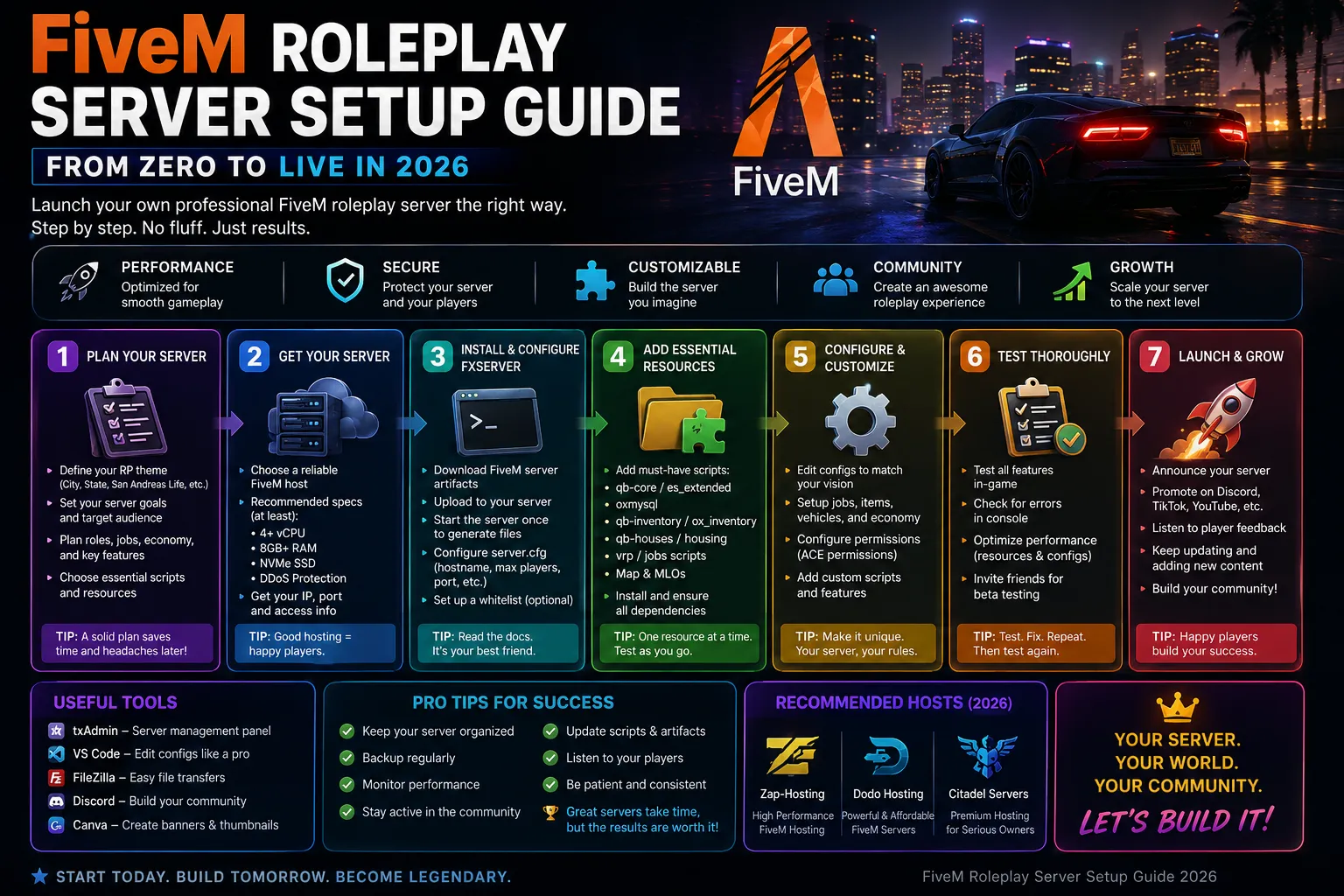
How to Create a FiveM Server globally - Complete Guide
12 min read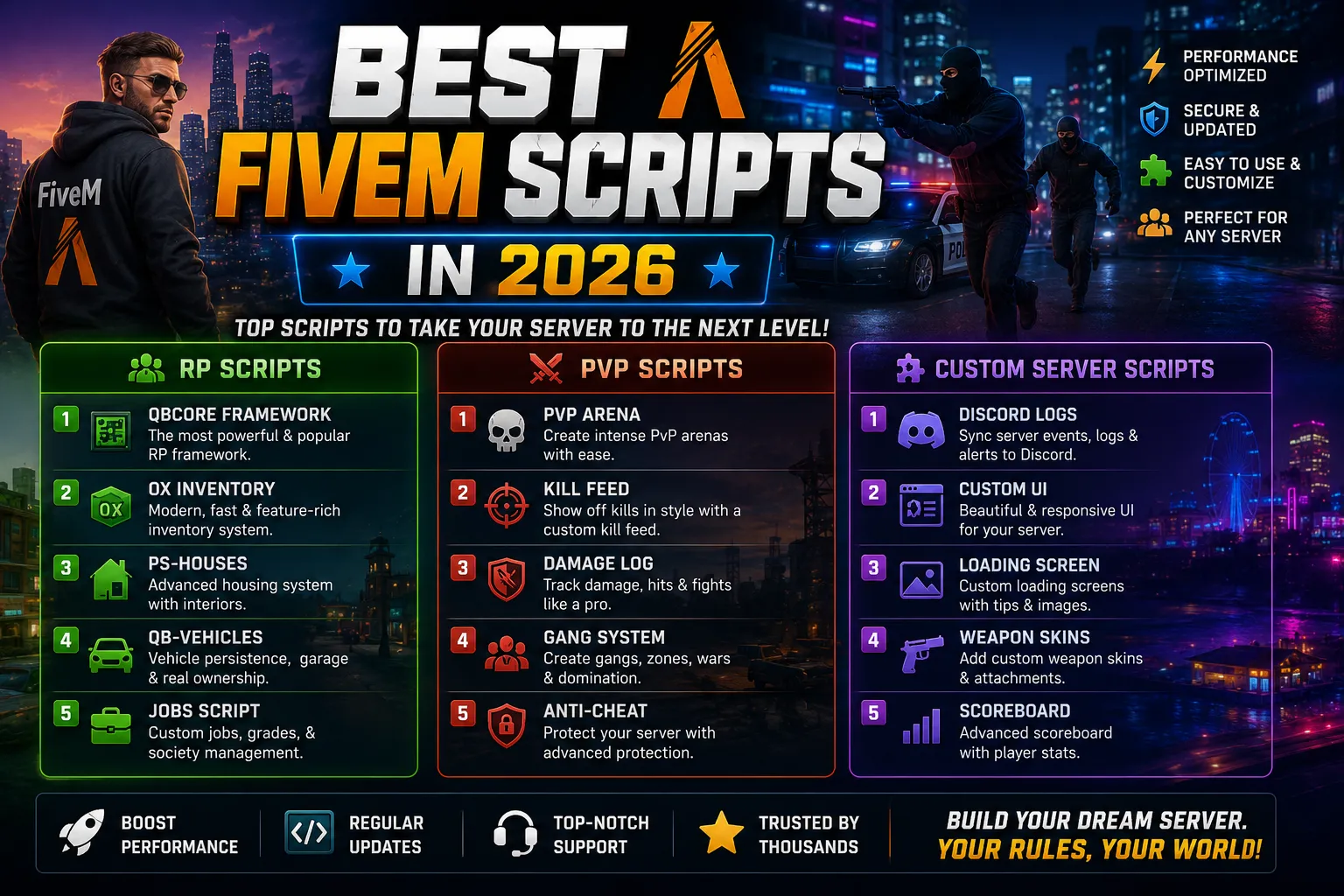
Best FiveM Scripts in 2026 for RP, PvP, and Custom Servers
9 min read
FiveM Roleplay Server Setup Guide - From Zero to Live in 2026
14 min readFiveM Server Hosting
Launch your FiveM server with txAdmin pre-installed. ESX, QBCore, Qbox, vRP, with DDoS protection and a ready database.