
Minecraft Server CPU and RAM Requirements in 2026 (VPS vs Dedicated)
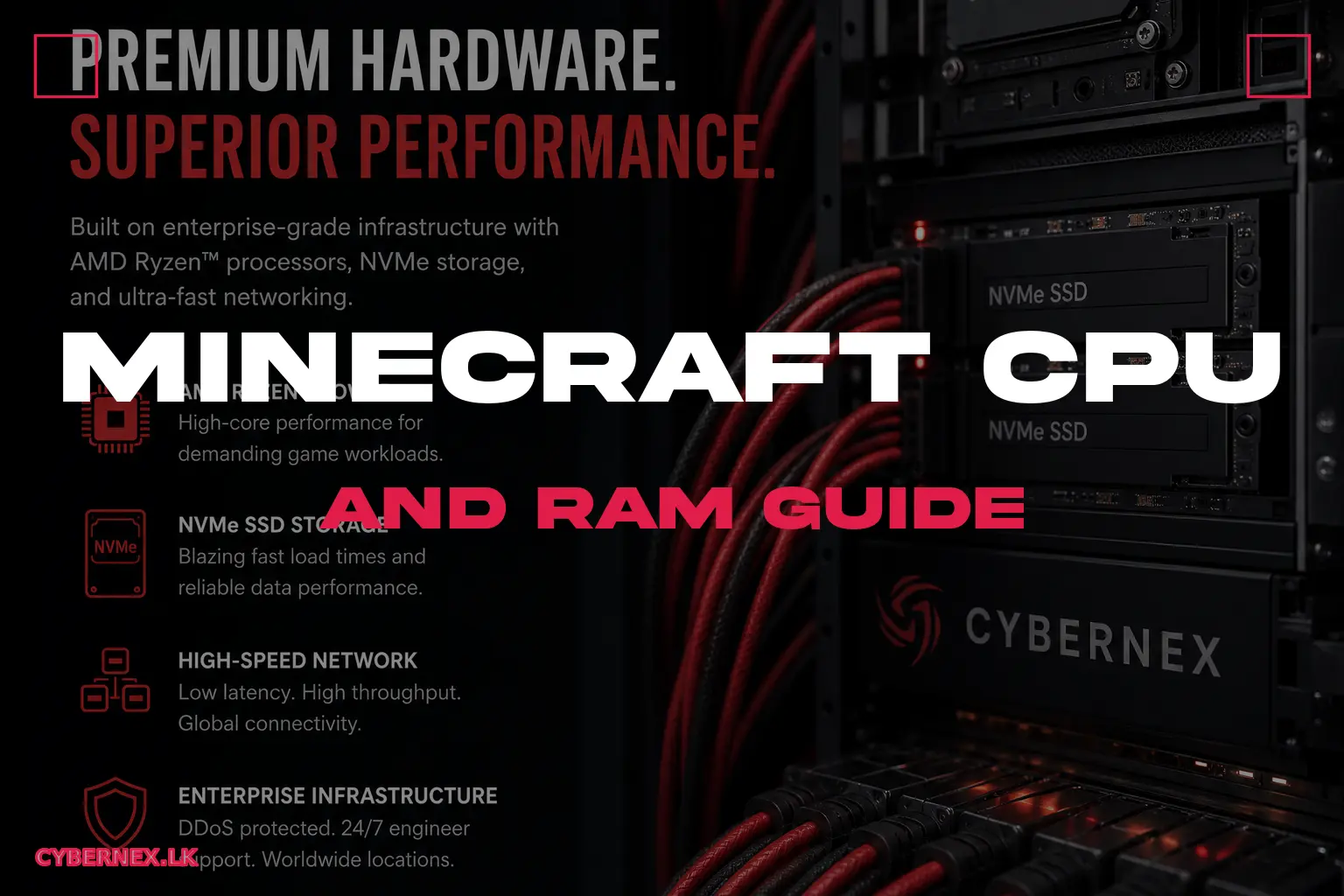
Most Minecraft hosting advice obsesses over RAM. The truth in 2026: CPU is the real boss, RAM is only the beginning. A server with 16 GB RAM but a weak, throttled CPU will lag embarrassingly, while a 6 GB box on a fast modern core runs a busy 30-player community smoothly. Here's exactly what your Minecraft server needs - with numbers you can take to your host - for CPU, RAM, and whether a VPS or dedicated server is the right call.
Why CPU Beats RAM for Minecraft
Minecraft is a single-thread-heavy simulation. The main game thread runs the tick loop (20 ticks/second), and almost every redstone contraption, farm, and chunk does its work on that thread. This means: clockspeed matters more than core count for responsiveness; a fast single core is worth more than 8 slow ones; and 'multi-threading' options in forks (like Paper's async chunk system) help, but the core tick remains single-threaded. RAM, by contrast, is a ceiling: if you run out, you hit GC 'stop the world' pauses and crashes. But adding RAM beyond what you need does nothing for TPS. The practical rule: choose CPU first (fast clock, recent architecture), RAM second (enough for players+plugins), disk third (NVMe).
Guidelines by Player Count and Modpack
Real-world requirements (Paper/Purpur, 2026 versions): Vanilla/SMP, up to 10 players: 2-3 GB RAM, 1-2 vCPU at 3.5GHz+. Up to 20 players: 3-4 GB, 2 vCPU. Up to 40 players: 6-8 GB, 4 vCPU, 5GHz+ recommended. 40-80 players: 8-12 GB, 6-8 vCPU at high clock. Modded (FTB/All the Mods-style, 50-200 mods): add 4-8 GB on top of the vanilla numbers and a stronger CPU - mods are CPU-heavy. Lifesteal SMP with 20-30 PvPers: 4-6 GB, plus good CPU for PvP tick fairness, and NVMe. The single most common cause of 'server lag' reports is over-advertising slots relative to the CPU: a 32-slot claim on 4GB/2 vCPU will run at 12-18 TPS the moment 20 players build farms. Pick slots matching your real hardware budget.
CPU Cores vs Clockspeed: The Honest Answer
Buy a Minecraft VPS and you'll see plans with 2, 4, 6 'vCores'. The catch: a vCore is usually a slice of a shared physical core, and modern cloud oversubscription means your actual clockspeed can drop badly under load - exactly when a Minecraft server needs it most. What to check instead: the CPU model (an EPYC/Ryzen 5GHz+ 'performance' tier is far better than an old Xeon at 2.6GHz), whether the plan gives you dedicated-ish cores, and the single-core benchmark if the host publishes one. Purpur/Paper both have 'aikar's flags' startup settings that optimize GC and tick behavior - use them. If a host won't tell you the CPU model, walk away; it's the #1 spec that determines whether your server feels snappy.
RAM: How Much, and DDR vs Bandwidth
RAM amount per scenario (above). Two subtleties: 1) DDR generation - DDR5 vs DDR4 affects memory bandwidth, which helps chunks and large modpacks; prefer a host with modern RAM. 2) Xmx/Xms settings - set your Java heap properly (e.g., -Xmx4G for a 4 GB plan); mis-configured heap (too large or too small) causes lag spikes. Also: don't enable 'more RAM = better' thinking - a 4 GB plan with the right flags outperforms a 12 GB plan with a 9 GB heap that never GCs. Paper's guide has exact Aikar's flags tuned for each RAM size. If you run modded, bump RAM for mod metadata but keep heap flags sane.
VPS vs Dedicated for Minecraft in 2026
The 'VPS or dedicated for Minecraft?' decision: VPS - the default for almost all communities. Modern KVM VPS with a performance CPU hosts 20-60 players comfortably; cheaper, upgradable in minutes, and DDoS-shielded. Choose VPS unless: you need a full Minecraft network (proxy + multiple backend servers, high CPU aggregate), you run many concurrent Minecraft instances on one box, or you want guaranteed pure-isolated performance for a 100+ player ambition. Dedicated - brings all cores and no noisy neighbors, but costs more and you own maintenance. In practice, 90% of successful Minecraft communities run on a mid-to-high VPS. If you outgrow the VPS, migrate to a same-host dedicated; CyberNex offers both, and migrating is hands-on-supported. Buy the right VPS first - most never need dedicated.
Putting It Together: The Ideal 2026 Server
A realistic 2026 'perfect' config for a growing community: 20-player SMP+plugins: 6 GB RAM, 4 vCPU on a 5GHz-class CPU, NVMe, Aikar's flags, Paper/Purpur. Lifesteal/PvP server: 6-8 GB, 4 high-clock vCPU - PvP tick fairness needs the single-thread speed. Modded 10-player: 8-10 GB, 4+ vCPU, NVMe. Monster 60-player network: 12-16 GB, 6-8 vCPU (or dedicated). Wherever you start, run a pre-gen tool (Chunky) so the world doesn't explore-generate during play, set view-distance 8-10, schedule restarts every 24-48h, and monitor TPS with Spark. Memory leaks from plugins tend to accumulate - restart clears them, same as every other Minecraft server on the internet in 2026.
Forget the 'add more RAM' knee-jerk: Minecraft servers are won or lost on CPU and clean config. Give your server a fast modern CPU, 4-8 GB of properly-heaped RAM for typical communities, NVMe storage, and Aikar's tuning flags - then set realistic slot counts. A VPS with a performance CPU is the right home for almost every Minecraft community in 2026, with dedicated as the upgrade path for true networks. CyberNex Minecraft plans expose the CPU model, ship Aikar's flags preconfigured, use NVMe, and include free DDoS protection - so the specs you see are the specs you get, from 1 GB to 24 GB+.
Roshan David
Game Server EngineerRoshan is a game server engineer at CyberNex specializing in Minecraft, FiveM, and Rust server optimization. He writes hands-on tutorials and performance guides based on real-world deployment experience on CyberNex's Singapore infrastructure.
CredentialsGame server engineer at CyberNex with 6+ years of infrastructure experience. Previously engineered low-latency gaming networks at Sri Lanka's largest ISP and holds certifications in Linux system administration and network security.
More in minecraft
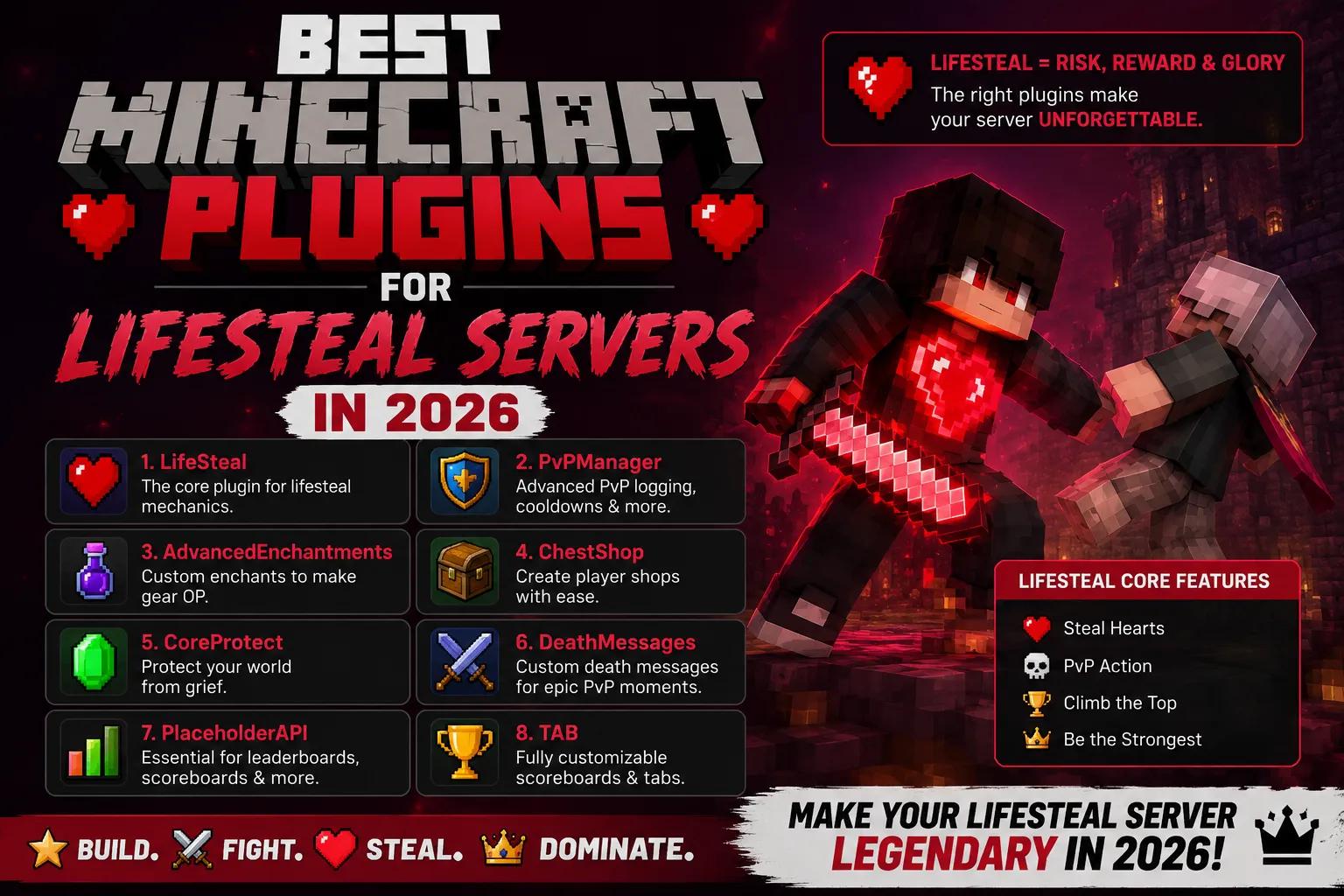
Best Minecraft Plugins for Lifesteal Servers in 2026
8 min read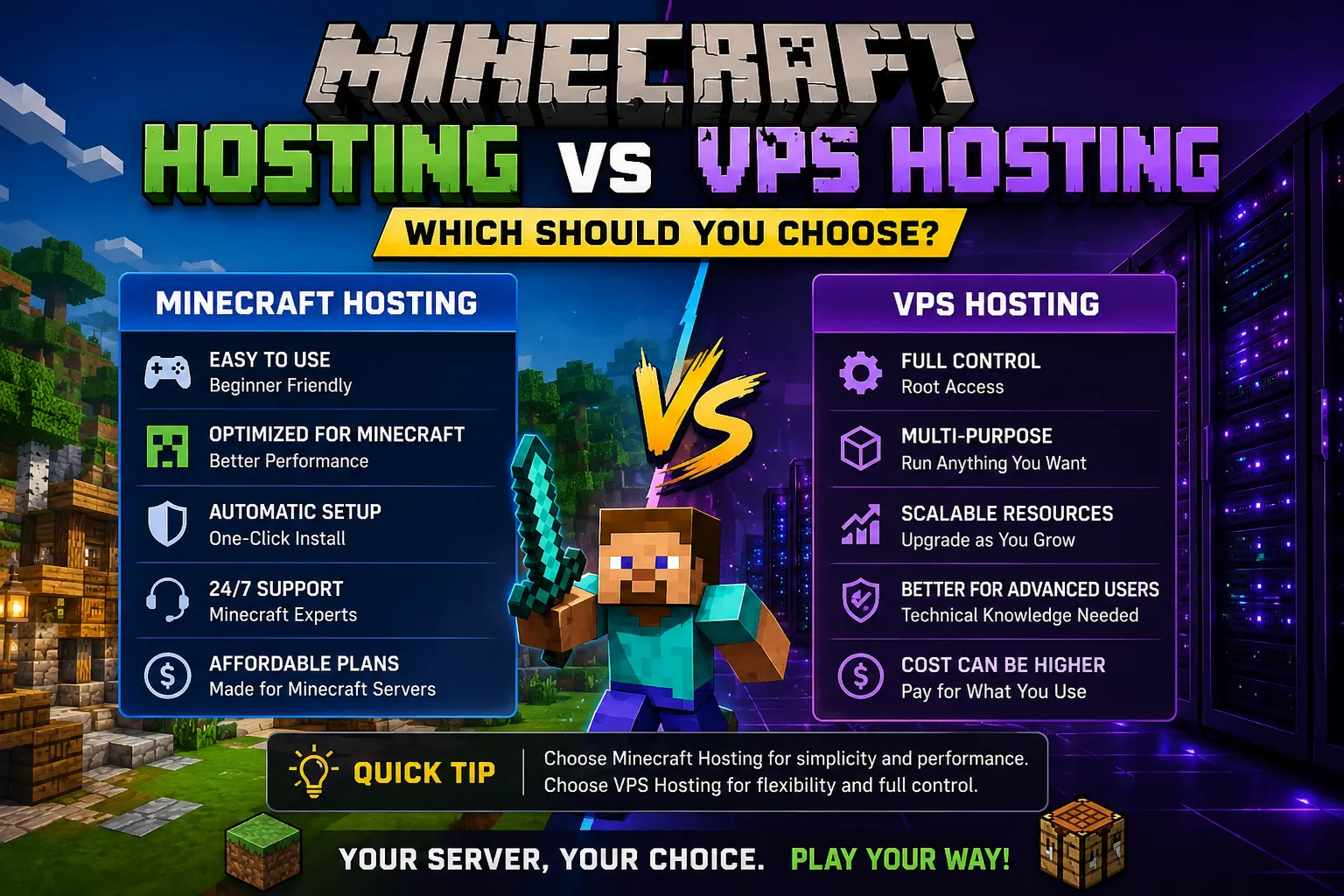
Minecraft Hosting vs VPS Hosting - Which Should You Choose?
7 min read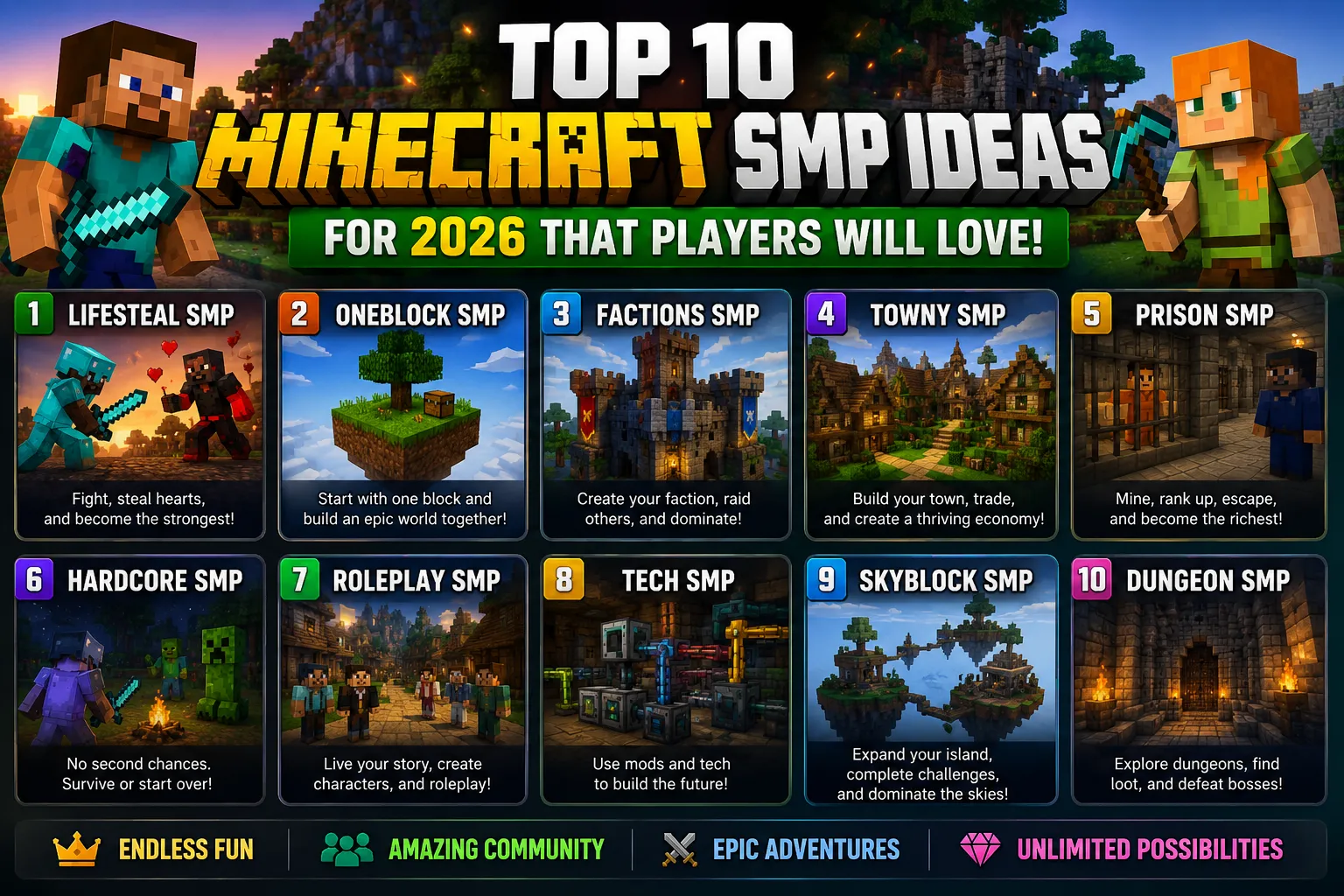
Top 10 Minecraft SMP Ideas for 2026 That Players Will Love
10 min readMinecraft Server Hosting
Deploy your Minecraft server in under 60 seconds on Singapore nodes with 40ms across Sri Lanka. Paper, Purpur, Folia, Forge, Fabric in one click.