
How to Create a FiveM Server globally - Complete Guide
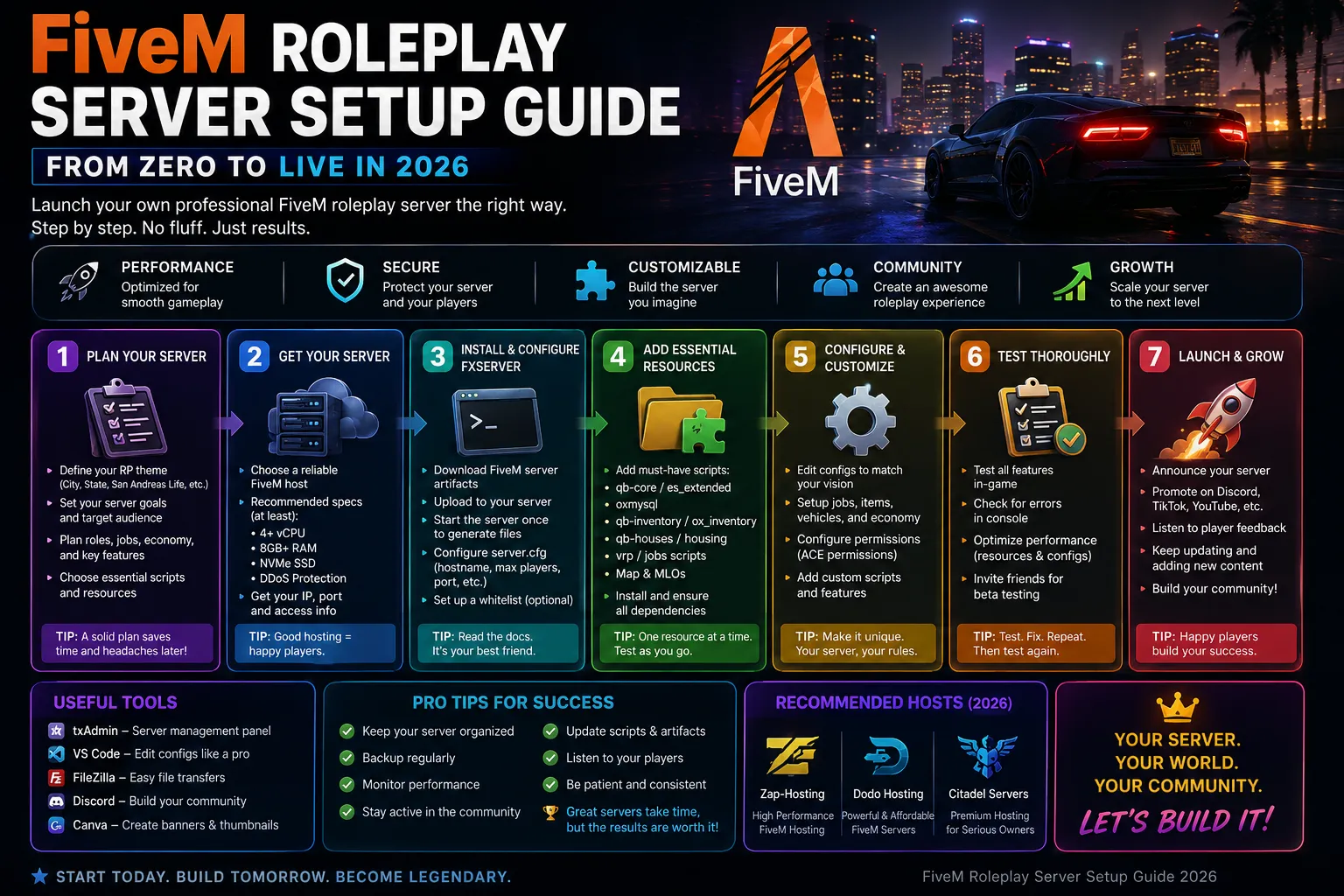
Setting up a FiveM server for the global community is easier than ever in 2026. With txAdmin's one-click framework installer and low-latency global hosting, your RP server can be live in under 10 minutes. Here's the complete step-by-step guide.
Step 1: Get Your FiveM License Key
Visit the Cfx.re Portal and sign in with your FiveM account. Generate a free server license key. This key authenticates your server with the FiveM network. Note: you need to have played FiveM for at least 14 days before you can create a server key.
Step 2: Choose Your Hosting Plan
For 32-slot RP servers, the FiveM 4 GB plan (€4.24/mo) is sufficient. For 64-slot communities with 50+ resources, we recommend the 8 GB plan (€8.48/mo). Large communities with 100+ slots should use the 16GB plan. All plans run in our Singapore data center for low ping to players across Asia.
Step 3: Initial txAdmin Setup
After ordering, your server deploys in under 60 seconds. Open the txAdmin panel URL provided in your control panel. On first launch, txAdmin will walk you through: choosing a server name, setting an admin password, selecting CFX Default or a popular base (we recommend QBCore or ESX for RP), and deploying the base resources.
Step 4: Choose Your Framework
ESX (Extended Roleplay Script) - the most popular framework with thousands of compatible resources. Best for traditional RP with jobs, housing, vehicles. QBCore - modern Lua-based framework, more performant than ESX, growing resource ecosystem. vRP - lightweight framework. Pick ESX if you want maximum resource compatibility, QBCore if you want better performance.
Step 5: Essential Resources to Install First
Start with these must-have resources: QB-Core or ESX framework, a phone system (QB-Phone or GCPhone), a garage/vehicle system, inventory (QB-Inventory or OX Inventory), a HUD, housing, jobs, police and EMS scripts, and an anti-cheat (WaveShield or EasyAdmin). Install one at a time and test after each. Don't dump 50 resources at once - you'll never debug it.
Step 6: Performance Tuning for global Players
Set sv_maxclients to match your plan. Configure OneSync population to the correct value. Set sv_enforceGameBuild to the current FiveM build. In server.cfg, increase sv_scriptHookAllowed if using custom scripts. Use the Performance Monitor in txAdmin to track resource CPU usage - remove or optimize anything consuming over 1ms per tick.
Step 7: Launch and Grow
Post your server on the Cfx.re server list, share in global gaming Discord communities, and create a Discord server for your community. Regular content updates keep players engaged. Check txAdmin's resource monitor weekly for performance regressions.
Running a FiveM server is a journey, not a destination. Start with a solid foundation, add resources gradually, and listen to your community. CyberNex's Singapore data center keeps players across Asia and the Pacific on low ping, and our 24/7 support team is here when you need help.
Mohammed Adhbi
DevOps EngineerMohammed is a DevOps engineer at CyberNex who manages the hosting platform's deployment automation, monitoring systems, and security infrastructure. He contributes technical guides on server administration and security best practices.
CredentialsDevOps engineer at CyberNex with 5+ years managing hosting infrastructure. Specializes in automated deployment pipelines, server security hardening, and performance tuning for game server workloads across distributed systems.
More in fivem
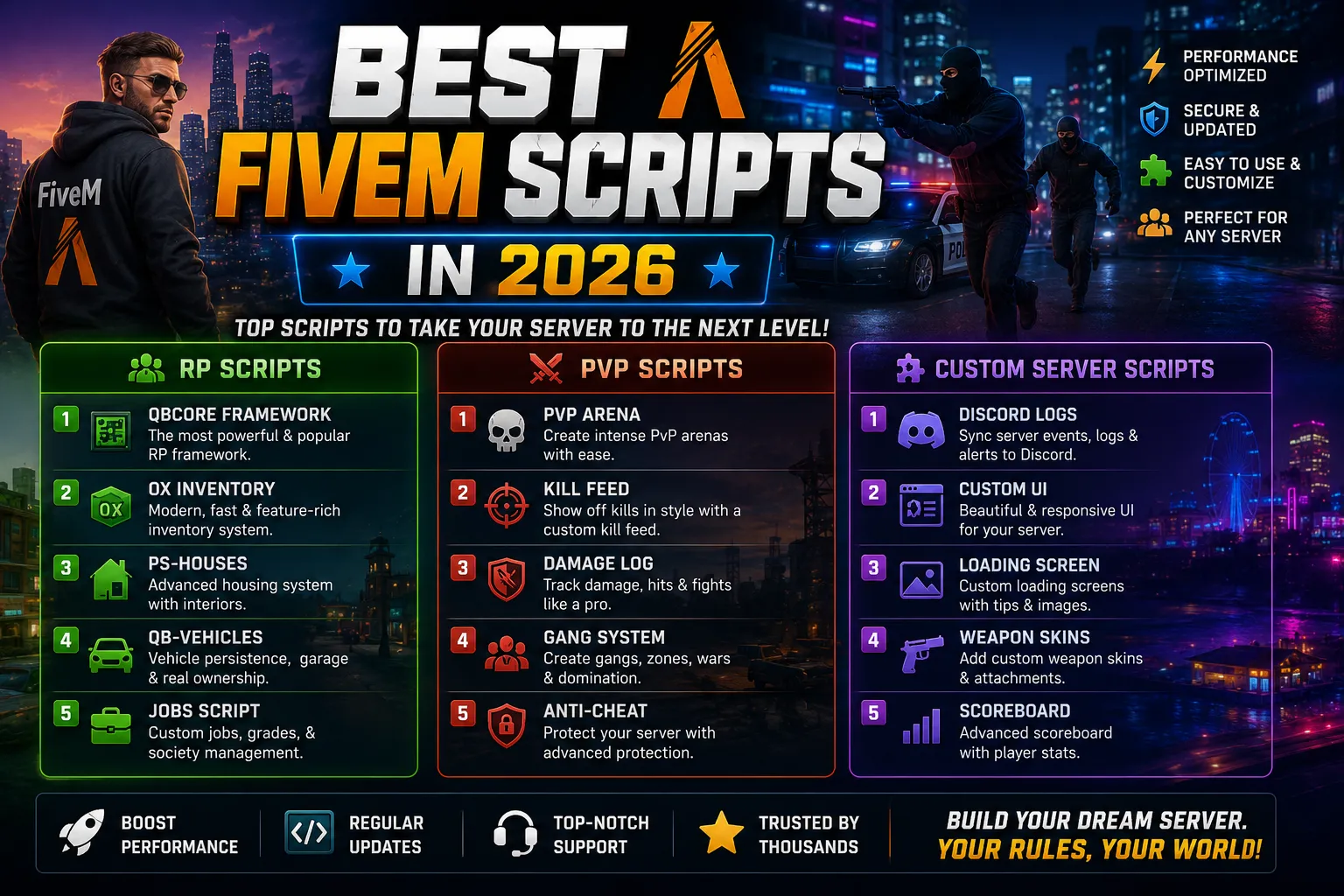
Best FiveM Scripts in 2026 for RP, PvP, and Custom Servers
9 min read
FiveM Roleplay Server Setup Guide - From Zero to Live in 2026
14 min read
Best FiveM Frameworks in 2026 - ESX, QBCore, Qbox, vRP, and OX Compared
11 min readFiveM Server Hosting
Launch your FiveM server with txAdmin pre-installed. ESX, QBCore, Qbox, vRP, with DDoS protection and a ready database.