
ESX Documentation: Complete Commands, Setup & Configuration Guide 2026

ESX (Extended Roleplay Script, also known as ESX Legacy) is the most widely used framework for FiveM roleplay servers. Originally created in 2017 and now maintained at github.com/esx-framework, it powers over 10,000 servers worldwide with 500,000+ daily players. The official documentation at docs.esx-framework.org covers every function, event, command, and configuration option. This guide consolidates the essential information every ESX server owner needs - commands, setup, database structure, and best practices - all verified against the official ESX Legacy documentation.
ESX Installation and Deployment
ESX Legacy (1.10+) is the actively maintained version available at github.com/esx-framework/esx_core. Installation via txAdmin: open txAdmin from your CyberNex control panel, select 'Deploy Recipe' and choose 'ESX Legacy'. txAdmin automatically downloads es_extended (core framework with commands, events, player management), esx_context (interaction menu using ox_lib), esx_identity (character name and registration), esx_multicharacter (multiple character slots), esx_notify (notification system), esx_progressbar (action progress bars), esx_skin (character appearance), esx_textui (floating text UI), and esx_menu_default (menu system). After deployment, configure your MySQL database connection in server.cfg. The official ESX docs warn that 'superadmin' is NOT a valid group - 'admin' is the highest default group. Set your identifier in es_extended config for admin access.
ESX User Commands (All Players)
Based on the official ESX Legacy documentation, all players have access to these core commands: /clear (/cls) clears the chat window. /group displays your current permission group (user, admin, etc.). /job shows your current job name and grade. /info displays your RP name, job name, job grade, and whether you are on duty. /playtime shows your playtime for the current character in Days, Hours, and Minutes format. These commands are provided directly by es_extended and require no additional scripts. Note: economy commands like /cash, /bank, /pay, /deposit, and /withdraw are provided by esx_banking and esx_addonaccount addons, not by the core framework. These addons need to be installed separately for full economy functionality.
ESX Admin Commands - Complete Reference
Official ESX Legacy admin commands from docs.esx-framework.org: Player Management: /setjob [playerId] [job] [grade] sets a player's job and grade (e.g., /setjob 1 police 0). /setgroup [playerId] [group] sets a player's permission group (note: superadmin is NOT valid - admin is the highest default group). /setbucket [playerId] [bucket] sets the routing bucket for instanced content. /kill [playerId] kills a player. /freeze [playerId] prevents a player from moving. /unfreeze [playerId] allows a frozen player to move again. /players lists all online players with ID, RP Name, Group, and Identifier. Teleportation: /setcoords [x] [y] [z] (/tp alias) teleports you to coordinates. /goto [playerId] teleports you to a player. /bring [playerId] teleports a player to you. /tpm teleports you to the map marker. /noclip enables free-flight camera mode. /coords prints your current Vector3 and Vector4 coordinates to console.
ESX Admin Commands - Items, Money & Vehicles
Money management: /setaccountmoney [playerId] [account] [amount] sets a player's account balance. /giveaccountmoney [playerId] [account] [amount] adds money to a player's account. /removeaccountmoney [playerId] [account] [amount] removes money from a player's account. Valid accounts: bank, black_money, money (NOT cash). Items and weapons: /giveitem [playerId] [item] [amount] gives items (e.g., /giveitem 1 bread 10). /giveweapon [playerId] [weapon] [ammo] gives weapons (e.g., /giveweapon 1 weapon_pistol 100). /giveammo [playerId] [weapon] [ammo] gives ammunition. /giveweaponcomponent [playerId] [weapon] [component] gives attachments (e.g., /giveweaponcomponent 1 weapon_pistol component_at_rail). /clearinventory [playerId] clears a player's inventory. /clearloadout [playerId] clears a player's weapon loadout. Vehicles: /car [model] spawns a vehicle (e.g., /car adder using lowercase model names). /dv [radius] (/cardel alias) deletes vehicles within the specified radius (e.g., /dv 10). /fix [playerId] repairs a player's vehicle. System: /refreshjobs reloads all known jobs from the database. /refreshitems reloads all known items. /clearall (/clsall) clears chat for all players.
ESX Core Configuration (es_extended/config.lua)
The official ESX docs outline these key configuration sections. Main config (config/main): Config.StartingCash, Config.EnableDebug (for troubleshooting), Config.DefaultJob and Config.DefaultJobGrade (first-spawn job). Logs config (config/logs): enable logging for economy transactions, item transfers, and admin actions. Weapon config (config/weapon): define weapon components, reload timers, and damage modifiers. Adjustments config (config/adjustments): fine-tune gameplay values. The Config.EnableDebug setting is particularly useful during development - it prints detailed logs of every ESX event and function call. Set Config.EnableSocietyPayouts to false if not using society-based businesses to reduce overhead. The official docs recommend against using /save and /saveall commands on production servers as they can cause performance issues with many players online.
ESX Player Data & xPlayer Functions
For developers, the official ESX docs document the xPlayer object extensively. xPlayer is the core player object returned by ESX.GetPlayerFromId(source). Key xPlayer methods: xPlayer.getJob() returns current job name, grade, and grade label. xPlayer.setJob(job, grade) assigns a new job. xPlayer.getMoney() and xPlayer.getAccount(account).money for balance checks. xPlayer.addMoney(amount) and xPlayer.removeMoney(amount) for transactions (account types: money=cash, bank, black_money). xPlayer.addInventoryItem(item, count) and xPlayer.removeInventoryItem(item, count) for inventory management. xPlayer.getGroup() returns the player's permission group. xPlayer.setGroup(group) changes their group (remember - superadmin is NOT a valid group). xPlayer.getLoadout() returns all equipped weapons. xPlayer.triggerEvent(eventName, ...) triggers an event on the player's client. The official ESX events system includes: esx:onPlayerJoined, esx:onPlayerDropped, esx:setJob, esx:addInventoryItem, esx:removeInventoryItem, and esx:onPlayerDeath. Full API reference at docs.esx-framework.org/en/esx_core/es_extended/server/xplayer.
Essential ESX Addon Scripts & Resources
ESX's ecosystem of official addons at docs.esx-framework.org/en/esx_addons includes: Economy & Banking: esx_banking (ATMs, bank accounts, transfers), esx_billing (invoicing and fines), esx_society (business/gang shared accounts), esx_addonaccount (secondary money accounts including black_money), esx_addoninventory (secondary inventories like trunk/glovebox). Jobs: esx_policejob (law enforcement with armory, evidence, MDT), esx_ambulancejob (EMS with revive system), esx_mechanicjob (vehicle repair), esx_taxijob (taxi service), esx_dmvschool (driving license system), esx_jobs (generic civilian jobs like fishing, mining), esx_drugs (illegal drug harvesting/selling). Vehicles & Housing: esx_vehicleshop (vehicle purchase dealership), esx_garage (vehicle storage and retrieval), esx_property (housing and property ownership), esx_lscustom (vehicle customization), esx_boat (boat management), esx_cruisecontrol (vehicle cruise control). Character & UI: esx_skin (character customization), esx_barbershop (haircuts), esx_clotheshop (clothing stores), esx_accessories (masks, hats, accessories), esx_hud (heads-up display), esx_status (player status bars), esx_basicneeds (hunger and thirst), esx_optionalneeds (optional needs system). Utils: esx_license (licensing system for driving, weapons, etc), esx_datastore (key-value persistent data storage), esx_animations (animation library), esx_rpchat (RP chat commands like /me, /do), esx_joblisting (in-game job board), esx_service (on-duty/off-duty service management). All official addons are free and open-source on github.com/esx-framework.
ESX Database Structure Overview
ESX uses MySQL/MariaDB for persistent storage. The official schema includes these core tables: users (identifiers, group, firstname, lastname, dateofbirth, sex, height, skin data), jobs (stored as JSON with name, label, grades array), addon_account (account name, owner identifier, money amount), addon_inventory (inventory name, owner identifier, items stored as JSON), items (item name, label, weight limit, rarity, can_remove flag), datastore (key-value pairs for persistent script data), and owned_vehicles (vehicle plate, owner, model, stored garage location, vehicle properties as JSON). Important: always back up your database before schema changes or framework updates. Use HeidiSQL, phpMyAdmin, or MySQL CLI for management. The official ESX GitHub provides migration SQL files for upgrading between versions. CyberNex provides MySQL databases with all FiveM plans - create one from the control panel's Database tab.
Debugging & Troubleshooting ESX
The official ESX docs recommend these debugging steps: 1) Enable Config.EnableDebug = true in es_extended/config.lua to see detailed event logs. 2) Check server console for Lua errors after adding new scripts. 3) Use 'refresh' and 'ensure [resource]' in the txAdmin console to reload individual resources without full server restart. 4) Verify database connectivity - many startup errors stem from incorrect MySQL connection strings. 5) Test each new resource with 2-3 players before public deployment. 6) For script compatibility issues: outdated exports (scripts calling ESX.GetPlayerData instead of the newer xPlayer methods) are the most common problem. Common issues documented on the ESX website include: database connection failures (check server.cfg mysql_connection_string), resources not starting (check fxmanifest.lua dependencies), items not appearing (check items table in database), and job system not working (verify society accounts exist). The ESX Discord at discord.esx-framework.org has 13,000+ developers available for community support.
ESX Legacy remains the most popular FiveM framework for a reason - a massive ecosystem of free open-source scripts, active community support on Discord and GitHub, and comprehensive documentation at docs.esx-framework.org. This reference covers the official commands and configuration verified against the ESX Legacy docs. For the latest updates, always check the official documentation and join the ESX Discord. Deploy your ESX server on CyberNex with one-click txAdmin setup and get enterprise hosting with 17 Tbit DDoS protection included.
Mohammed Adhbi
DevOps EngineerMohammed is a DevOps engineer at CyberNex who manages the hosting platform's deployment automation, monitoring systems, and security infrastructure. He contributes technical guides on server administration and security best practices.
CredentialsDevOps engineer at CyberNex with 5+ years managing hosting infrastructure. Specializes in automated deployment pipelines, server security hardening, and performance tuning for game server workloads across distributed systems.
More in fivem
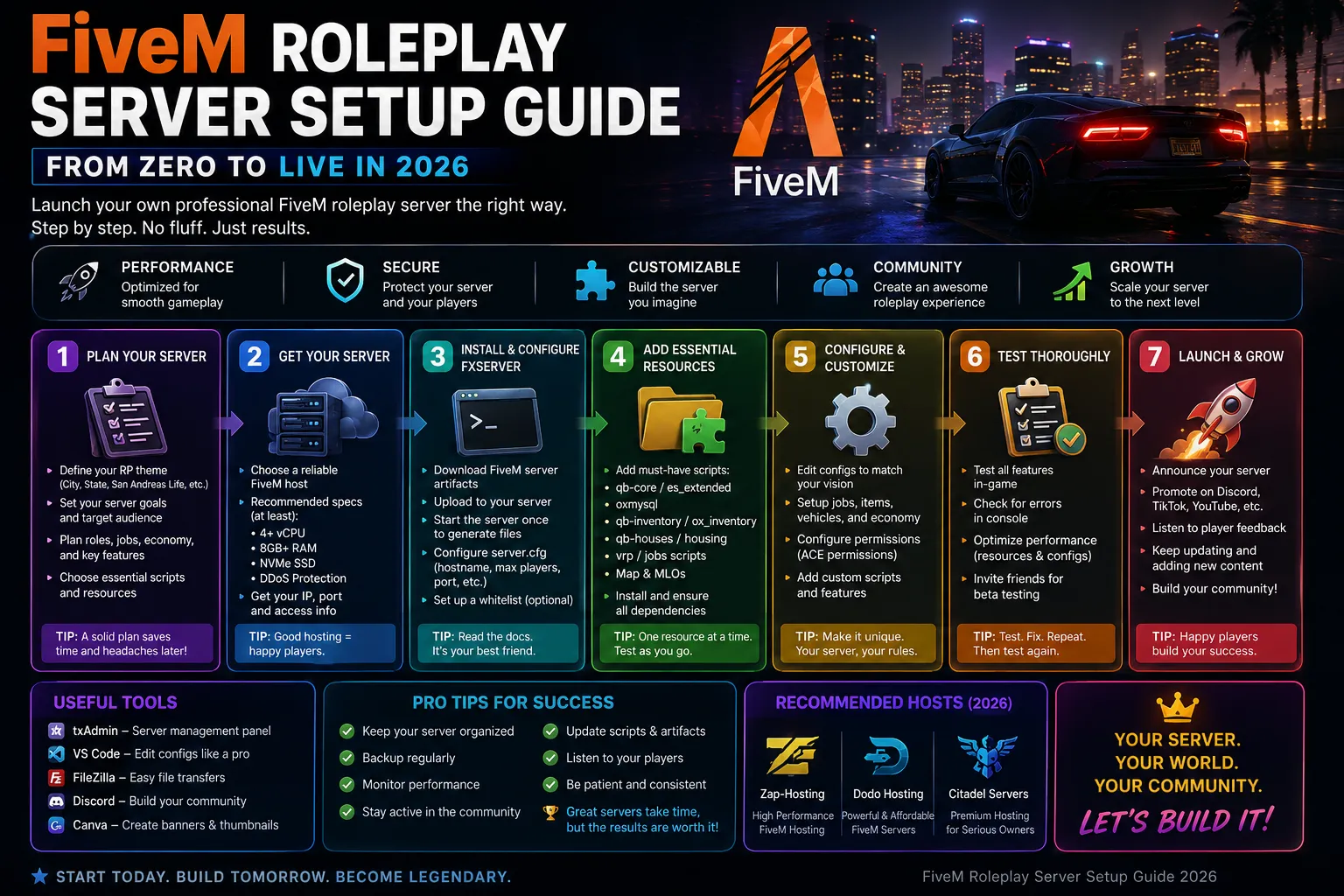
How to Create a FiveM Server globally - Complete Guide
12 min read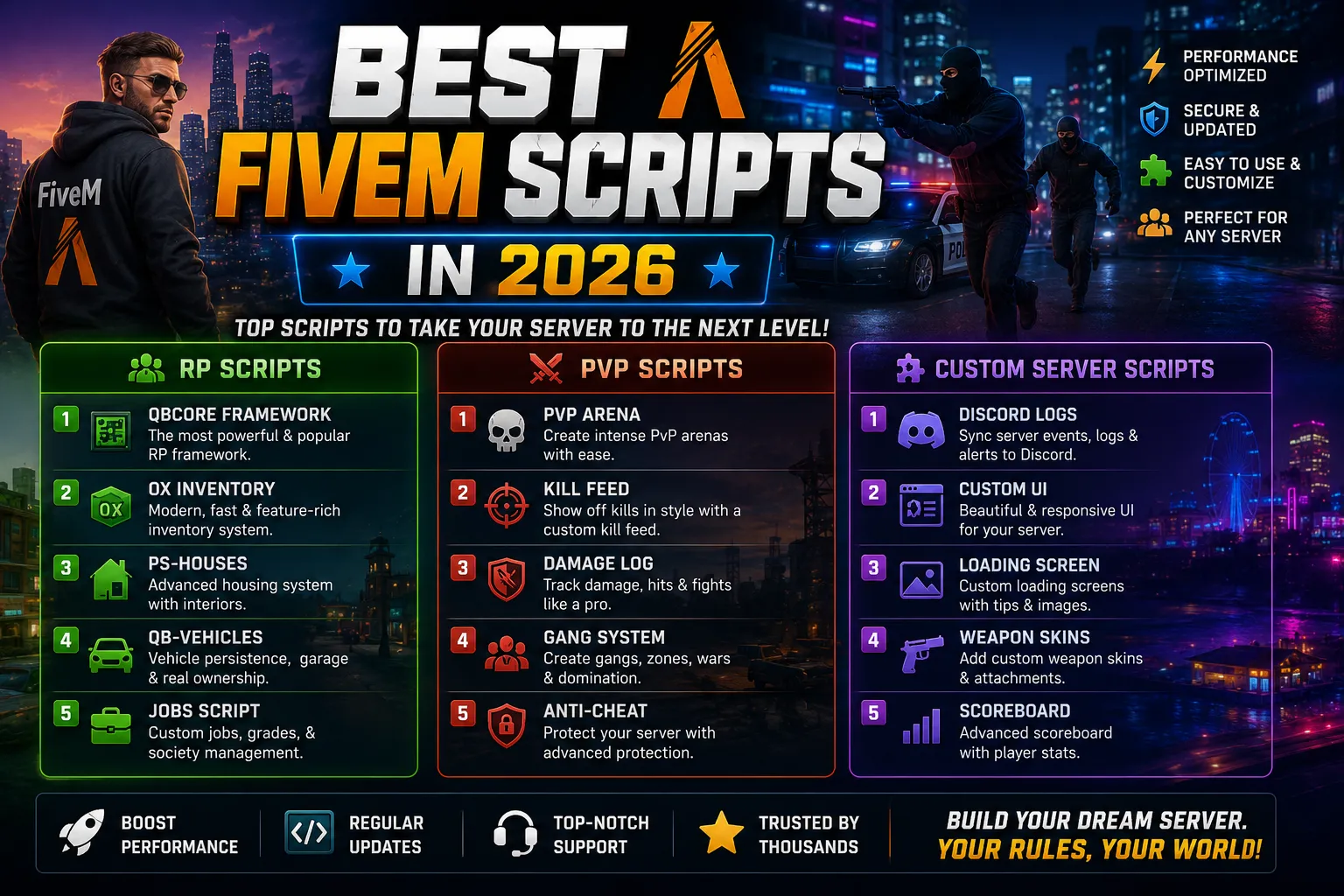
Best FiveM Scripts in 2026 for RP, PvP, and Custom Servers
9 min read
FiveM Roleplay Server Setup Guide - From Zero to Live in 2026
14 min readFiveM Server Hosting
Launch your FiveM server with txAdmin pre-installed. ESX, QBCore, Qbox, vRP, with DDoS protection and a ready database.