
Best Minecraft Server Control Panels in 2026: Pterodactyl, MultiCraft & More

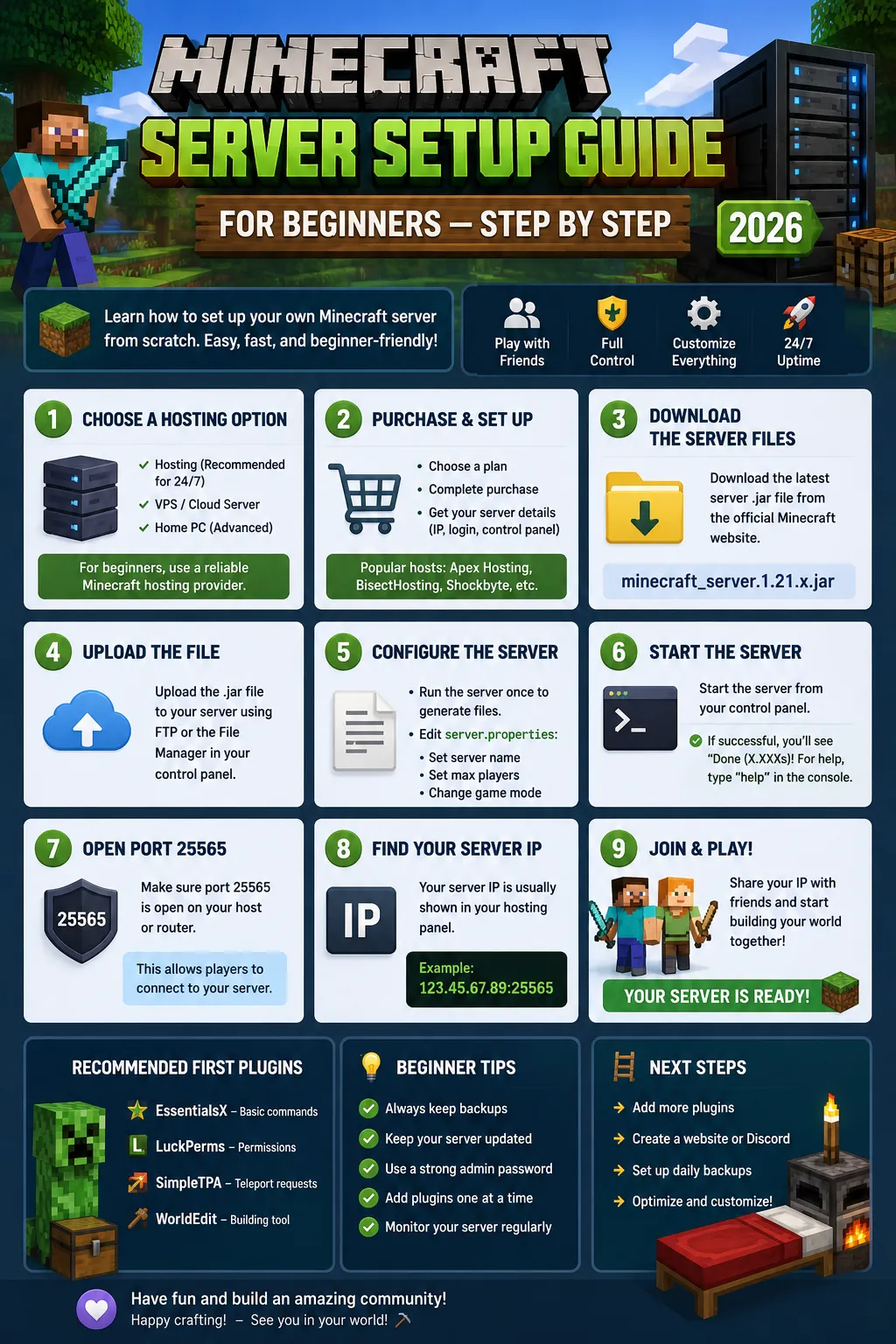
The control panel is the single website you use to run your Minecraft server - the console, the file manager, backups, modpack installs, and restarts all live there. A great panel saves you hours and prevents disasters; a bad one makes even simple tasks painful. In 2026 the panel landscape is dominated by two names, Pterodactyl and MultiCraft. Here is how they compare and exactly what a good Minecraft control panel must do.
What a Control Panel Must Do
Ask for these five things in any panel, and you will never regret it. 1) A live console with a scrollback - you must see startup logs and crash output and act on them immediately. 2) A file manager with upload, edit, and directory navigation - most fixes (editing server.properties, swapping configs, dropping plugins) are file tasks, and FTP-only panels slow you down. 3) One-click version and modpack switching - changing from Paper to Forge, or installing a 200-modpack, should be a button, not a manual file dance. 4) Automated backups with restore - some on a schedule plus manual ones, kept for a rolling period. 5) An undo/restart model that is quick and clear. If a panel lacks any of these, your day-to-day will be harder than it needs to be.
Pterodactyl: The Modern Standard
Pterodactyl is the panel most game hosts (including CyberNex) use in 2026. It is open-source, clean, and built on Docker, which means every server runs in an isolated container - your crash or a bad plugin cannot take down the whole host or another user's server. From a player perspective, Pterodactyl gives you a fast web console, a file manager with a text editor, startup variables (for RAM, version, and flags), automated backups, and scheduled tasks. It also supports sub-users, so you can hand a trusted player or staff member limited access. If you see a host advertising 'Pterodactyl panel', you are getting a modern, actively-developed, well-documented experience. It is the panel I would choose for nearly any game server.
MultiCraft: The Enterprise Option
MultiCraft is the other major name, popular with larger hosts who manage many servers and want deeply-integrated billing and reselling. It is well-loved for its plugin installer, intuitive UI, and the ability to hook directly into a host's billing system, which is why you often see it on hosts that sell to resellers. For an end user, MultiCraft is familiar and easy, though it is not containerized to the same degree as Pterodactyl. If a host uses MultiCraft, you still get console, files, backups, and one-click mods - the differences are mostly under the hood and about the host's own management, not your everyday use.
One-Click Modpacks and the Installer
The real quality signal for a Minecraft panel is its modpack installer. With Pterodactyl, a good host adds a one-click library for popular packs - All The Mods 9, RLCraft, SkyFactory 4, Better MC, CurseForge packs - so you pick the pack and the server build is handled for you. Without it, you are manually downloading a pack and uploading hundreds of files, which is slow and error-prone. When you evaluate a host, test their pack installer, not just the panel look. The best versions also let you select a specific pack version and automatically install the correct Forge/NeoForge loader. This single feature separates a genuinely managed host from a bare container.
Backups, Sub-Users & Safety Netting
A panel is only as good as its safety net. Look for scheduled backups every few hours with a rolling retention window (CyberNex snapshots every 6 hours and keeps 7 days), plus manual backups you can trigger before a risky change. Restore should be one click and should not wipe your other configs unexpectedly. Sub-users matter for teams: grant a friend or staff member access to console and files without sharing your full account. Finally, the panel should surface a clear restart, stop, and 'startup error' readout - because a Minecraft server that silently fails to boot is the most common and frustrating problem, and a good console makes it obvious and fixable.
The control panel decides how easily you can run, fix, and scale your Minecraft server. In 2026, Pterodactyl is the modern default - containerized, clean, and developer-friendly - while MultiCraft remains a solid enterprise pick with deep host integration. What ultimately matters is not the panel's name but what the host has built on it: a one-click modpack library, real backups with restore, sub-user access, and an honest console. CyberNex runs a high-quality Pterodactyl panel with one-click Paper, Purpur, Folia, Forge, Fabric, and 200+ modpacks, scheduled plus manual backups, sub-user sharing, and free DDoS protection - everything you need to manage a server without fighting your own control panel.
Roshan David
Game Server EngineerRoshan is a game server engineer at CyberNex specializing in Minecraft, FiveM, and Rust server optimization. He writes hands-on tutorials and performance guides based on real-world deployment experience across CyberNex's global network.
CredentialsGame server engineer at CyberNex with 6+ years of infrastructure experience. Previously engineered low-latency gaming networks at Sri Lanka's largest ISP and holds certifications in Linux system administration and network security.
More in guides
What is VPS Hosting? Complete Guide for Beginners in 2026
8 min read
Windows VPS Guide - Setup, Remote Desktop, and Configuration
9 min read
Web Hosting vs VPS - Which Should You Choose for Your Website?
7 min readGame Server Hosting
Put it into practice — deploy on high-performance nodes with NVMe, free DDoS protection, and a modern control panel.