
V2Ray Sri Lanka: Complete Setup Guide for Fast & Private Internet 2026
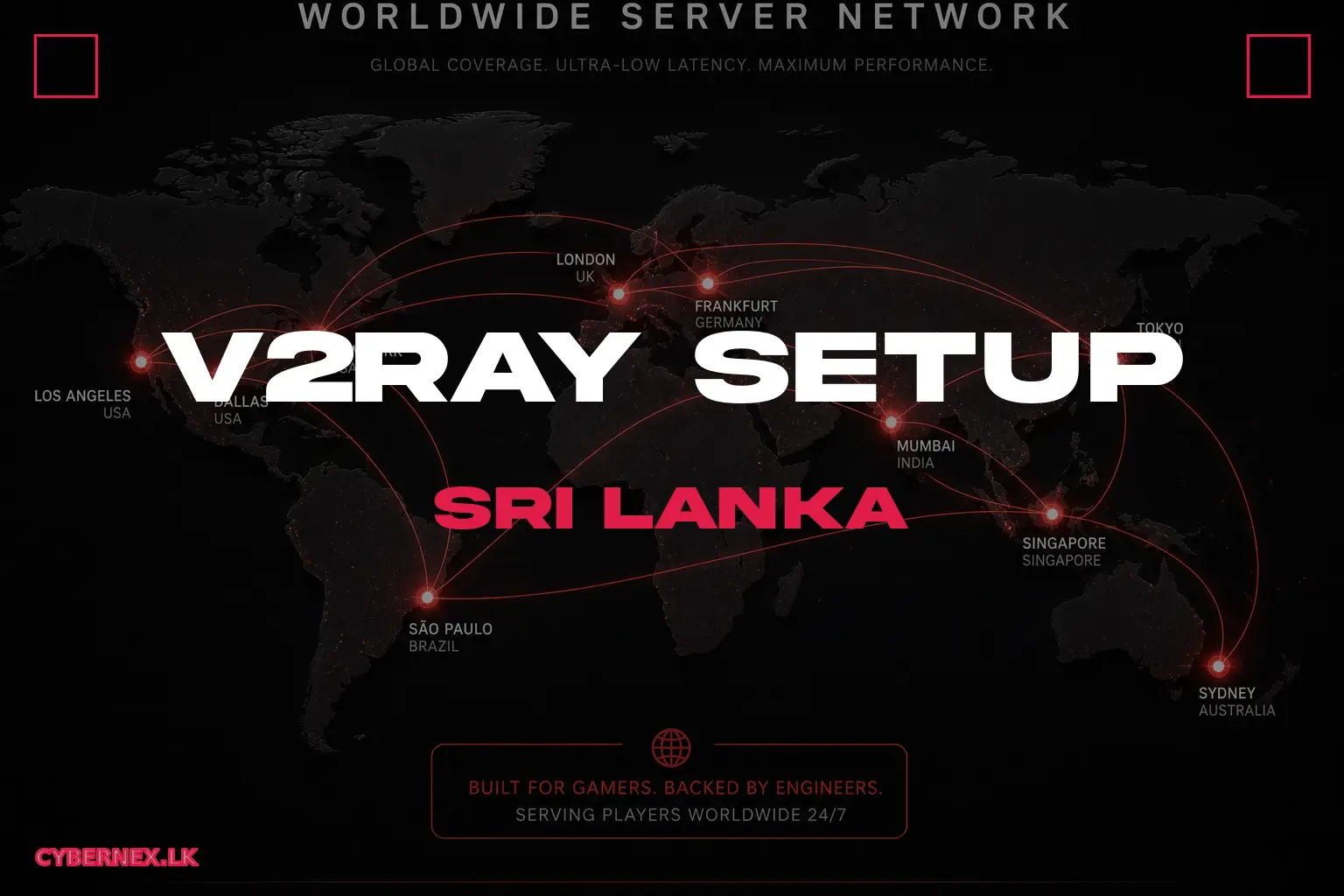
V2Ray is the proxy tool of choice for a growing number of users in Sri Lanka who want fast, reliable, and low-latency internet - often for gaming, streaming, or simply to avoid throttling. Unlike a commercial VPN, V2Ray runs on your own server, gives you complete control, and typically performs better because you pick the closest VPS location. This guide covers everything: what V2Ray is, how it compares to VPNs, and a complete setup walkthrough on a Singapore VPS.
V2Ray vs VPN: Which Is Better for Sri Lanka?
V2Ray is a proxy framework, not a closed VPN. The key differences when you buy V2Ray 'servers': Privacy - with a V2Ray setup, control is 100% yours; no third-party VPN provider logs your traffic. Performance - connect protocols like VLESS/Trojan have lower overhead than most commercial VPN tunnels, which matters for gaming with 150ms+ international latency. Flexibility - V2Ray lets you route selectively (game traffic direct, streaming via proxy). Cost - one Singapore VPS you own covers V2Ray for 5-20 devices. The trade-off: a commercial VPN (like the services many Sri Lankans buy) is simpler to set up and has polished apps. V2Ray needs a bit of Linux knowledge - though wrapper panels like x-ui reduce that to almost nothing.
Which Protocol: VLESS, VMess, or Trojan?
In 2026, the practical choices for V2Ray are: VLESS + XTLS/Reality - the modern recommendation; efficient and specifically designed to defeat DPI (deep packet inspection) by disguising the handshake. VMess - the original V2Ray protocol; still works but is slower and more detectable than VLESS today. Trojan - fast and simple, mimics HTTPS traffic, pairs well with Cloudflare. For most Sri Lankan users, VLESS + Reality on port 443 is the recommended combo. If you're behind a strict network, use Trojan instead. You can run all three from one V2Ray installation and switch client-side, so don't overthink it - start with VLESS.
Choosing the Right VPS for V2Ray
The single most important decision is server location - it determines your latency. From Sri Lanka: Singapore (30-50ms) is the best for gaming and general browsing; Frankfurt/UK (140-180ms) good for streaming EU content; US West (200ms+) only for US content. Pick a plan with: enough bandwidth (1 TB+ per month is comfortable), an unblocked IP (some data centers are flagged; ask the host), and KVM virtualization (full root access - required to install V2Ray). Minimum spec: 1 GB RAM, 1 vCPU, NVMe storage is plenty for a V2Ray node serving a family. CyberNex VPS plans in Singapore start at €16.72/month with unmetered bandwidth and enterprise DDoS - deploy a fresh Ubuntu 22.04 and you're ready for the next steps.
Installing V2Ray with x-ui (Easy Web Panel)
For a beginner-friendly install, use the x-ui panel: 1) SSH into your VPS (ssh root@serverip). 2) Run the official install script (search 'x-ui install script' - verify you're using the maintained project). 3) It gives you a web panel URL, username, and password. 4) In the panel, create an inbound connection: choose VLESS (or Trojan), set port 443, protocol defaults, and create a client with a UUID/email. 5) Generate a public/private key pair for Reality (the panel has a button for it). 6) Add a client app config on your phone/laptop and connect. The panel also lets you monitor traffic and add multiple users - perfect for sharing with friends. Keep the panel port behind a firewall (only allow SSH and your proxy port through).
V2Ray Client Apps for Every Device
Connect from any platform in 2026. Windows: v2rayN (feature-rich) or V2Ray desktop client. iOS: Shadowrocket, V2Box, or Streisand (the current recommended lightweight client). Android: v2rayNG (most popular) or Hiddify. macOS: V2rayU or v2rayNG. Import the config as a share link (vless://... etc.) that x-ui generates - no manual JSON editing needed. Importing: in the app, go to 'import from clipboard', paste the link, and connect. Test by loading a few websites, then check latency in the app. For selective routing (gaming direct, browsing proxied), set your routing rules in the client to split traffic.
Server Costs, Security, and Maintenance
Total cost of a personal V2Ray setup: the VPS itself (Singapore, from €16.72/month at CyberNex), zero license fees, and your time. Compare that to a premium VPN subscription (~$5-10/month) and V2Ray often wins on price-to-control. Security checklist: use strong SSH keys (disable password login), keep the OS patched (apt update && apt upgrade monthly), firewall only needed ports (22, 443, and the x-ui panel port restricted to your IP), and never share your client UUID publicly. Maintenance: V2Ray updates occasionally; x-ui has an update button. If an IP gets blocked, create a fresh inbound on a new port with a new UUID - you can do this in under a minute from the panel. No logs: unlike VPN providers, nothing leaves your own box.
Is V2Ray Legal and Safe to Use in Sri Lanka?
Using a proxy like V2Ray for personal browsing, gaming, and privacy is generally legal in Sri Lanka - it's your own data traversing your own server. The important rules to keep yourself safe: don't use it for anything illegal (the same law applies as with a direct connection), and don't redistribute your server creds publicly. Some ISPs throttle or shape certain traffic; V2Ray specifically helps avoid that by making traffic look like normal HTTPS. If you have concerns about specific laws, get advice from a qualified professional. From a technical standpoint, installing and running V2Ray on your own CyberNex VPS is fully within the acceptable-use bounds of standard hosting plans.
V2Ray gives Sri Lankan users a fast, private, and controllable proxy that outperforms many commercial VPNs - especially on the latency that matters for gaming and streaming. Get the routing right (Singapore VPS for 30-50ms), pick VLESS + Reality on port 443, install via x-ui for an easy panel, and use v2rayNG/Shadowrocket/Streisand on your devices. Your total cost is a cheap Singapore VPS. Deploy a Singapore VPS on CyberNex, follow the install steps above, and have V2Ray running in about 15 minutes - with unmetered bandwidth and a DDoS shield on your box from day one.
Mohammed Adhbi
DevOps EngineerMohammed is a DevOps engineer at CyberNex who manages the hosting platform's deployment automation, monitoring systems, and security infrastructure. He contributes technical guides on server administration and security best practices.
CredentialsDevOps engineer at CyberNex with 5+ years managing hosting infrastructure. Specializes in automated deployment pipelines, server security hardening, and performance tuning for game server workloads across distributed systems.
More in guides
What is VPS Hosting? Complete Guide for Beginners in 2026
8 min read
Windows VPS Guide - Setup, Remote Desktop, and Configuration
9 min read
Web Hosting vs VPS - Which Should You Choose for Your Website?
7 min readGame Server Hosting
Put it into practice — deploy on high-performance nodes with NVMe, free DDoS protection, and a modern control panel.